Digital Twins
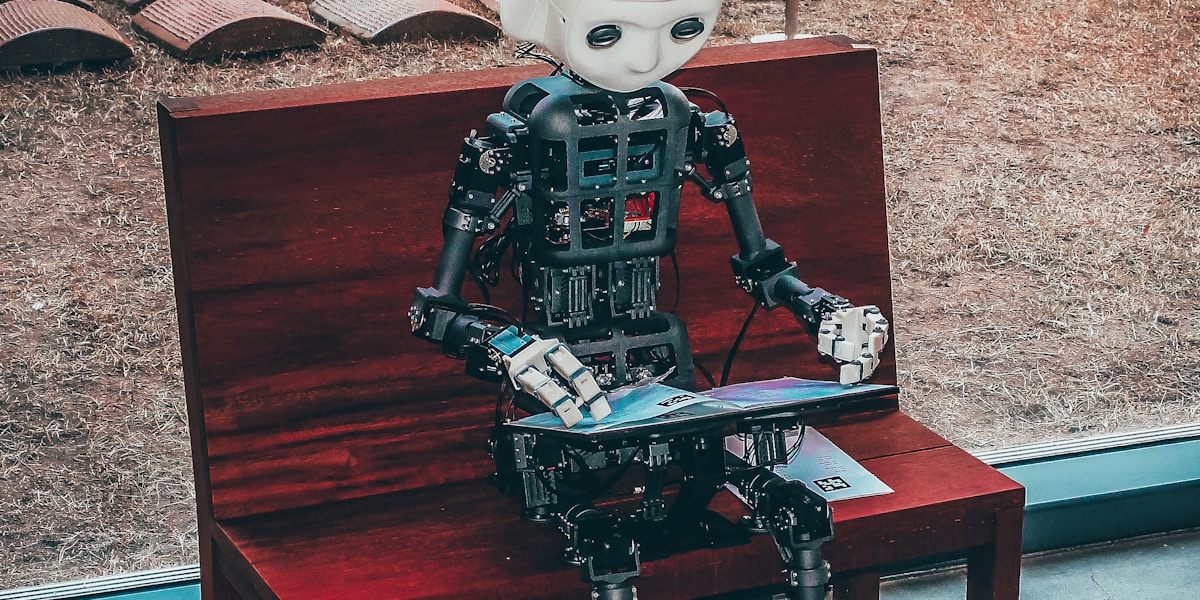
Why this matters: A digital twin is a living, breathing simulation that mirrors the real robot. It enables testing, monitoring, and optimization without touching physical hardware.
Introduction: The Virtual Mirror
A digital twin is not just a 3D model. It's a synchronized virtual replica that:
- Reflects real-time state from the physical robot
- Enables "what-if" scenarios
- Predicts failures before they happen
- Accelerates development by 10x
Industry Adoption
BMW, Tesla, and Amazon run digital twins of their entire factories. Before a single robot arm moves on the real floor, it has moved millions of times in simulation.
Architecture
graph LR
    subgraph Physical World
        A[Robot] --> B[Sensors]
        B --> C[Data Stream]
    end

    subgraph Digital World
        D[Digital Twin] --> E[Simulation]
        E --> F[Predictions]
    end

    C --> D
    F --> G[Control]
    G --> A
Data Flow
| Direction | Data | Frequency |
|---|---|---|
| Physical → Digital | Joint states, sensor data | 100+ Hz |
| Digital → Physical | Commands, predictions | 10-100 Hz |
| Digital → Analytics | Logs, metrics | 1 Hz |

Building a Digital Twin
Step 1: Create the URDF
The Universal Robot Description Format defines robot geometry:
<?xml version="1.0"?>
<robot name="humanoid">
  <link name="base_link">
    <visual>
      <geometry>
        <mesh filename="package://meshes/pelvis.stl"/>
      </geometry>
    </visual>
    <inertial>
      <mass value="10.0"/>
      <inertia ixx="0.1" iyy="0.1" izz="0.1"/>
    </inertial>
  </link>

  <joint name="hip_pitch" type="revolute">
    <parent link="base_link"/>
    <child link="thigh"/>
    <axis xyz="0 1 0"/>
    <limit lower="-1.57" upper="1.57" effort="200" velocity="5"/>
  </joint>
</robot>
Step 2: Physics Engine Integration
Choose your simulation backend:
| Engine | Best For | Integration |
|---|---|---|
| MuJoCo | RL training | Python, C |
| Gazebo | ROS 2 | Native |
| Isaac Sim | Industrial | USD, Python |
| PyBullet | Quick prototyping | Python |
Step 3: Synchronization
class DigitalTwin:
    def __init__(self, robot_urdf, physics_engine):
        self.sim = physics_engine.load(robot_urdf)
        self.ros_sub = rospy.Subscriber('/robot_state', JointState, self.update)

    def update(self, msg):
        """Sync physical state to simulation"""
        self.sim.set_joint_positions(msg.position)
        self.sim.set_joint_velocities(msg.velocity)

    def predict(self, command, horizon=1.0):
        """Predict future state given command"""
        self.sim.step_with_action(command, steps=int(horizon * 100))
        return self.sim.get_state()
Use Cases
1. Predictive Maintenance
Monitor wear and predict failures:
graph TD
    A[Historical Data] --> B[Wear Model]
    B --> C[Failure Prediction]
    C --> D{Threshold?}
    D -->|Yes| E[Schedule Maintenance]
    D -->|No| F[Continue Monitoring]
2. What-If Scenarios
Test risky maneuvers safely:
- "What if we increase walking speed by 20%?"
- "What happens if foot slips during stairs?"
- "Can the arm reach that shelf?"
3. Training Data Generation
Generate millions of training examples:
for _ in range(1_000_000):
    # Randomize scenario
    twin.randomize_environment()
    twin.randomize_robot_state()

    # Run simulation
    trajectory = twin.run_episode(policy)

    # Store for training
    dataset.add(trajectory)

Tools & Platforms
NVIDIA Omniverse
The industry standard for photorealistic digital twins:
- USD (Universal Scene Description) format
- RTX ray tracing
- Physics simulation
- Multi-user collaboration
AWS IoT TwinMaker
Cloud-based digital twin platform:
- Connect to IoT data streams
- 3D scene visualization
- Integration with AWS analytics
Unity Robotics Hub
Game engine for robotics:
- Real-time rendering
- ROS 2 integration
- Import URDF directly
Key Takeaways
Summary
- Digital twins are synchronized virtual replicas
- Bidirectional data flow keeps them in sync
- Predictive maintenance prevents failures
- Training data generation accelerates ML
- Modern platforms (Omniverse, Unity) make this accessible
Further Reading
- Chapter 4.2: Benchmarks & Debugging
- Chapter 4.3: Responsible Deployment
- Chapter 1.3: Simulation Basics