Simulation Basics
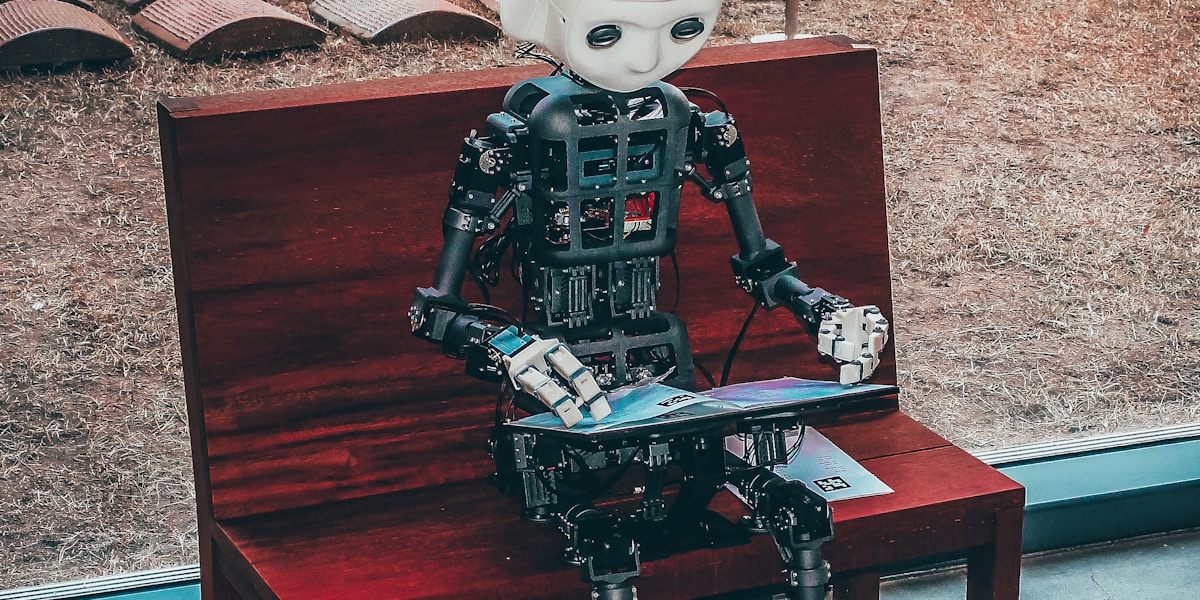
Why this matters: You don't test your robot's walking algorithm by throwing it down the stairs. Simulation lets you fail fast, fail safely, and iterate rapidly.
Introduction: The Digital Sandbox
Before a single motor turns, before a single wire is connected, the robot lives in simulation. This digital twin allows engineers to:
- Test algorithms without breaking hardware
- Generate training data for machine learning
- Validate safety before real-world deployment
- Iterate rapidly on designs
Tesla's Optimus team runs millions of simulation steps before any code touches the real robot. The cost of a virtual failure is zero. The cost of a real failure is a broken robot and a delayed schedule.
Physics Engines: The Heart of Simulation
Popular Physics Engines
| Engine | Strengths | Used By |
|---|---|---|
| MuJoCo | Fast, accurate contact | DeepMind, OpenAI |
| PyBullet | Free, easy to use | Academic research |
| NVIDIA Isaac Sim | GPU-accelerated, photorealistic | Nvidia partners |
| Gazebo | ROS integration, modular | ROS community |
| Unity/PhysX | Game-quality graphics | VR/AR robotics |

What Makes a Good Simulator?
graph TD
    A[Physics Accuracy] --> B[Contact Dynamics]
    A --> C[Rigid Body Dynamics]
    A --> D[Actuator Models]

    E[Performance] --> F[Parallel Simulation]
    E --> G[GPU Acceleration]

    H[Usability] --> I[API Quality]
    H --> J[Visualization]
    H --> K[ROS/ROS2 Support]
The Sim-to-Real Gap
The biggest challenge in simulation is the reality gap. No simulation is perfect.
Sources of Error
- Contact dynamics: Friction, deformation, slip
- Actuator models: Motor dynamics, delays, saturation
- Sensor noise: Real sensors are noisy; simulated sensors often aren't
- Unmodeled dynamics: Cables, air resistance, temperature effects
Bridging the Gap
Domain Randomization
Train on varied simulation conditions so the algorithm is robust to reality:
def randomize_domain(env):
    # Randomize physics parameters
    env.friction = np.random.uniform(0.5, 1.5)
    env.mass = base_mass * np.random.uniform(0.8, 1.2)
    env.motor_strength = np.random.uniform(0.9, 1.1)

    # Randomize sensor noise
    env.camera_noise = np.random.uniform(0, 0.1)
    env.imu_bias = np.random.normal(0, 0.01, size=6)
System Identification
Measure real robot parameters and update simulation:
theta* = argmin_theta sum_t ||x_sim(t; theta) - x_real(t)||^2
Setting Up Your First Simulation
MuJoCo Example
import mujoco
import mujoco.viewer

# Load the model
model = mujoco.MjModel.from_xml_path('humanoid.xml')
data = mujoco.MjData(model)

# Run simulation with viewer
with mujoco.viewer.launch_passive(model, data) as viewer:
    while viewer.is_running():
        mujoco.mj_step(model, data)
        viewer.sync()
Gazebo + ROS 2 Example
# Launch a robot simulation in Gazebo
ros2 launch my_robot_gazebo robot_simulation.launch.py

# In another terminal, see the robot state
ros2 topic echo /robot_state
Training Robots in Simulation
Reinforcement Learning Pipeline
graph LR
    A[Simulation Env] --> B[Agent]
    B --> C[Action]
    C --> A
    A --> D[Reward]
    D --> B

    B --> E[Policy Update]
    E --> B
Massive Parallelization
Modern approaches run thousands of simulations in parallel:
| Approach | Simulations/Second | Hardware |
|---|---|---|
| CPU single | 100 | 1 core |
| CPU parallel | 1,000 | 32 cores |
| GPU parallel | 100,000+ | NVIDIA A100 |

Best Practices
1. Start Simple
# BAD: Start with full humanoid
sim = FullHumanoidSimulation(45_joints, 100_sensors)

# GOOD: Start with simple model
sim = InvertedPendulum(1_joint, 2_sensors)
2. Validate Early and Often
Every 1-2 weeks, test your algorithm on the real robot. Don't wait until "it's ready." Early reality checks save months of wasted simulation time.
3. Log Everything
import wandb

wandb.init(project="humanoid-walking")
wandb.log({
    "episode_reward": total_reward,
    "success_rate": successes / episodes,
    "sim_steps": total_steps
})
Key Takeaways
- Simulation is essential for safe, rapid iteration
- The reality gap is the main challenge
- Domain randomization makes policies robust
- GPU parallelization enables massive-scale training
- Validate early with real hardware
Further Reading
- Chapter 1.2: Sensors & State Estimation
- Chapter 4.1: Digital Twins
- Chapter 3.2: Control Stack